
Commercial electrical
Planning Automated Commercial Lighting
Consider schedules, occupancy response, daylight, user controls, and commissioning when planning commercial lighting automation.
Published Guide updated
New guide published October 14, 2026, with original guidance on a topic from the previous SoCal website. It replaces the earlier article and does not reproduce its text or claim its publication date.
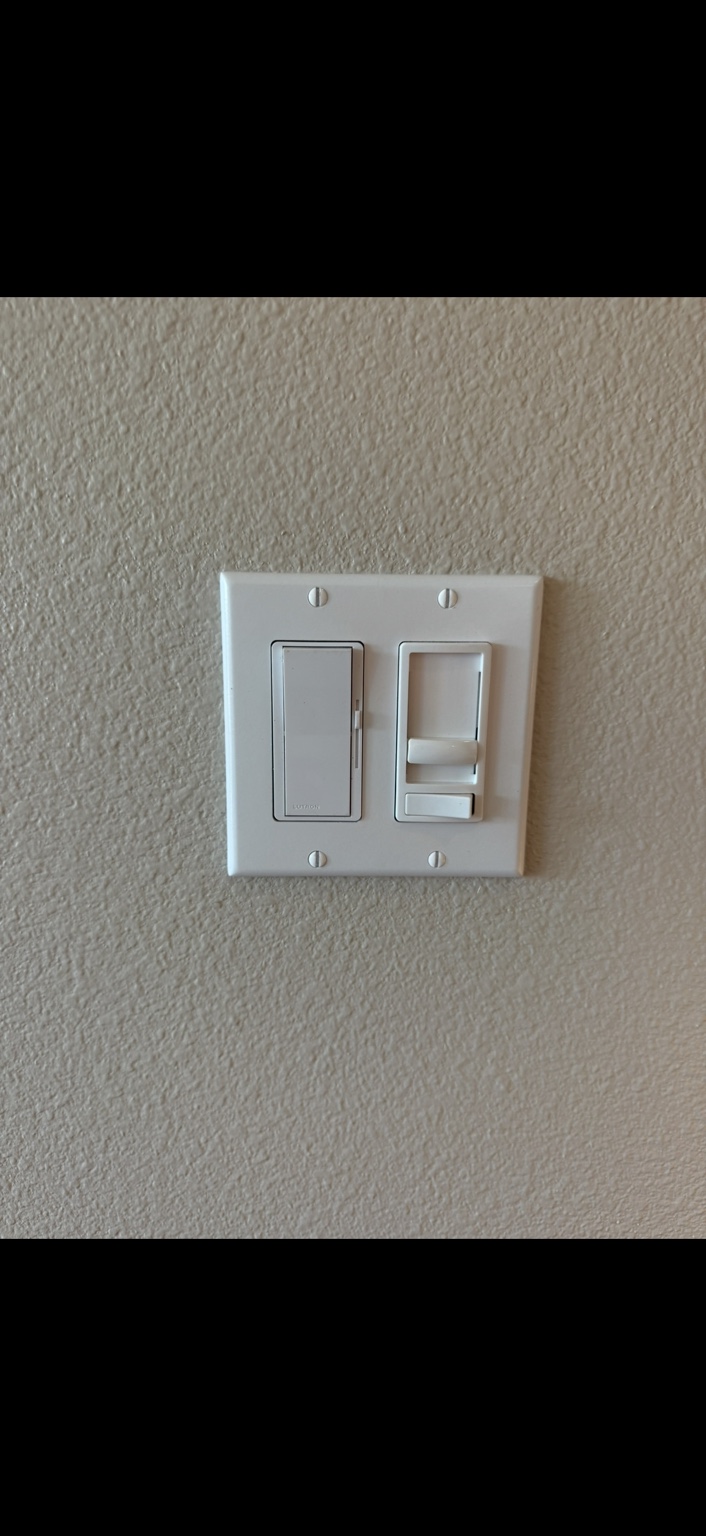
1. Reduce lighting operation in empty spaces
Automated controls can reduce unnecessary operation by responding to occupancy or a defined schedule. The benefit depends on how the building is actually used. Begin with spaces that are often left illuminated without a clear need. Confirm the appropriate delay, operating level, and safety requirements, and test the result with the people who work there.
2. Respond to available daylight
Daylight-responsive controls can adjust compatible lighting where windows or skylights provide useful illumination. Separate the areas that receive daylight from those that do not, and consider shades and changing conditions. Correct placement and setup matter: an inconvenient result may encourage staff to override the system. Review performance at different times rather than relying on a single demonstration.
3. Give different tasks appropriate settings
Zoning and supported scene controls can provide different settings for reception, work areas, meetings, and cleaning. This can make a space more adaptable without asking staff to adjust every fixture individually. Define each setting's purpose and retain straightforward manual control. Have the designer check fixture compatibility and applicable requirements before assuming all existing lighting can be dimmed or grouped.
4. Make routine operation more consistent
Documented schedules can simplify opening, closing, and special-event routines. Name a responsible person to maintain holiday hours and approved overrides. A central interface may help when the selected system supports it, but the design should also explain what happens during a network or power interruption. Staff training and a usable settings record are part of the operating benefit.
5. Make performance easier to review
Systems with suitable reporting can reveal operating patterns for comparison with intended use; simpler systems still benefit from recorded settings and periodic checks. Establish a baseline before changes and verify outcomes afterward. DOE recommends defining objectives, capabilities, and documentation needs when selecting controls. Actual savings depend on the equipment, initial conditions, and operation, so treat a proposed percentage as an estimate requiring evidence.