
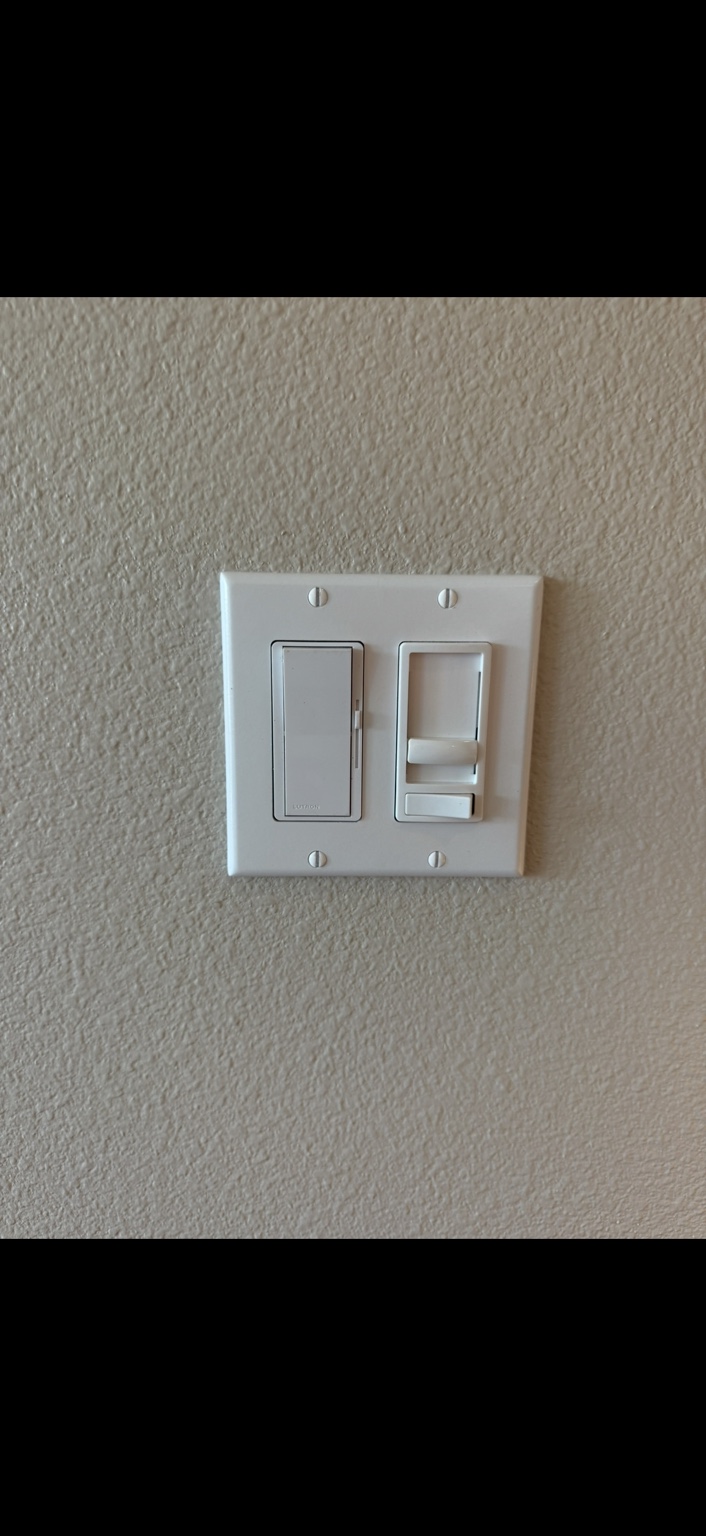
Smart home devices & controls
Plan compatible switches, dimmers, sensors, outlets, hubs, and scenes around the existing wiring while preserving dependable manual control.
The short answer
A smart device is only useful when the wiring, load, network, account, and manual control all make sense.
Connected switches, dimmers, sensors, outlets, hubs, and scenes combine electrical installation with software and ownership decisions. The plan should define who controls the account, what happens when the network is down, and which functions remain available at the wall.
Connected controls should improve daily use without sacrificing dependable manual operation, account ownership, or serviceability.
Service details
Open only the details you need.
Service choices and booking stay above. Scope, preparation, questions, and technical detail remain available here without turning the page into a wall of sections.
01When this service fitsCommon situations and the patterns worth reporting.+
Make connected control serviceable
The installation should still make sense when the app is unavailable.
Smart-home work is routed to staff review so product, wiring, load, platform, account, and support responsibilities can be confirmed before installation.
The switch box may not contain a neutral
Some controls require different conductors or wiring arrangements; compatibility must be verified at the actual location.
LED loads flicker or will not dim smoothly
Driver, dimmer, load range, settings, multi-location devices, and supplied equipment can affect performance.
Automations stop when the network changes
Wi-Fi, hubs, bridges, account credentials, firmware, cloud services, and router changes can interrupt control.
No one knows who owns the administrator account
Account ownership, recovery information, household access, subscriptions, and future transfer should be established early.
The wall control no longer works normally
A reliable design preserves clear local control for essential daily functions when the app, voice platform, or internet is unavailable.
Several brands are expected to act as one system
Platform support, bridges, protocols, scenes, updates, and long-term product availability can limit integration.
02What we review and includeThe system, available paths, and the defined service scope.+
Coordinate electrical and digital layers
Power and wiring operate the load; software decides when and how it responds.
The electrical layer includes the circuit, conductors, box, grounding, switch locations, load type, control rating, and any required neutral. The connected layer adds Wi-Fi or another protocol, hub or bridge, administrator account, permissions, firmware, automations, and third-party platforms.
A responsible scope identifies which layer SoCal is installing and testing, which setup information the customer must provide, how manual operation works, and what is outside the electrical service. Product subscriptions, cloud availability, platform changes, account recovery, and manufacturer support should never be implied as electrician-controlled guarantees.
Four control projects to separate
Motion or occupancy control
For a compatible switch location and load after coverage, behavior, override, wiring, and settings are reviewed.
Smart or standard dimmer replacement
For compatible lighting equipment, wiring, load range, multi-location arrangement, platform, and manual operation.
Multi-room scenes and schedules
For coordinated zones, naming, hubs, accounts, household access, setup, and clearly assigned programming responsibility.
Connected-device troubleshooting
For symptoms that may involve power, wiring, load, network, firmware, account, platform, or failed equipment.
A control plan people can inherit
What should be documented before a connected device becomes part of the home.
Every smart-home request receives a compatibility and scope review. Product, wiring, platform, account, support, and dependable manual control are confirmed together before work is proposed.
- 01Controlled load, circuit, box, conductor, neutral, grounding, and multi-location arrangement reviewed
- 02Device listing, rating, load compatibility, required hub or bridge, and customer-supplied condition checked
- 03Platform, network, administrator account, recovery method, household permissions, and subscription needs identified
- 04Manual wall control and expected behavior during internet, hub, app, or voice-platform outages defined
- 05Device naming, room assignment, basic settings, and any authorized scenes or schedules agreed in writing
- 06Electrical installation and testing separated from manufacturer cloud, network, account, and third-party support limits
03Project paths and next stepsHow the work is classified and what happens after you request service.+
Choose the control outcome
Three lanes prevent one switch from becoming an undefined technology project.
Start with the daily behavior you want. Product and platform selection follow verified wiring, load, account, and manual-control requirements.
One sensor or dimmer
For a defined compatible control replacement with clear load, wiring, location, and operating behavior.
Several rooms or scenes
For coordinated controls, platform, hubs, accounts, naming, permissions, schedules, and programming scope.
Unreliable connected control
For a problem requiring electrical, load, network, account, firmware, platform, or equipment separation.
From desired behavior to dependable control
Start with what must work every day, then add automation.
The process keeps the electrical installation clear while assigning the digital setup and future ownership responsibilities.
- 01
Define the behavior
Describe the rooms, loads, manual actions, schedules, sensors, scenes, and household users.
- 02
Verify wiring and load compatibility
Check conductors, neutral, box space, circuit, load type, multi-location arrangement, and device rating.
- 03
Select the connected layer
Confirm platform, protocol, hub or bridge, network, account owner, permissions, subscriptions, and recovery.
- 04
Install and configure the authorized scope
Complete the electrical work and only the agreed naming, settings, scenes, schedules, and connections.
- 05
Test manual and connected operation
Verify wall control, intended automations, household access, and the expected fallback when services are unavailable.
04Questions to ask any electricianThree practical questions, written-scope checks, and warning signs.+
05Helpful guidesRelated articles from SoCal’s existing public library.+
From SoCal’s existing library
Go deeper before you decide.
These are existing SoCal Electrical & Lighting articles—not newly invented project claims. Each opens in the current public article archive.
Smart Home Electrical Integration and Automation Systems
How compatible wiring, controls, and electrical infrastructure support connected devices throughout a home.
Read full article →
What Types of Indoor Lighting Upgrades Can Improve Efficiency and Comfort?
A practical look at LED lighting, dimming, zoning, and controls for more comfortable interior spaces.
Read full article →Straight answers
Smart-control questions to answer before choosing the switch.
Will a smart switch work without a neutral wire?
Some products are designed for specific wiring arrangements, but compatibility depends on the actual box, conductors, load, circuit, multi-location setup, and manufacturer instructions. The location must be verified.
Who should own the administrator account?
The property owner or designated customer representative should control the primary account, recovery information, household permissions, and future transfer. The scope should not leave long-term ownership with an installer.
What happens if the internet goes down?
That depends on the device, protocol, hub, platform, and automation. Essential daily functions should retain clear manual operation, and any local-versus-cloud behavior should be understood before selection.
Can several smart-home brands work together?
Sometimes, through a shared platform, protocol, hub, bridge, or automation service. Compatibility, feature limits, subscriptions, updates, and long-term manufacturer support require product-specific review.
What does the electrician support after installation?
The written scope should separate electrical workmanship and device installation from the customer network, accounts, passwords, platform changes, cloud availability, subscriptions, firmware, and manufacturer support.