
Home planning
Practical Ideas for Your Home Automation Project
Plan lighting scenes, schedules, sensors, and everyday controls around useful routines and equipment compatibility.
Published Guide updated
New guide published October 14, 2026, with original guidance on a topic from the previous SoCal website. It replaces the earlier article and does not reproduce its text or claim its publication date.
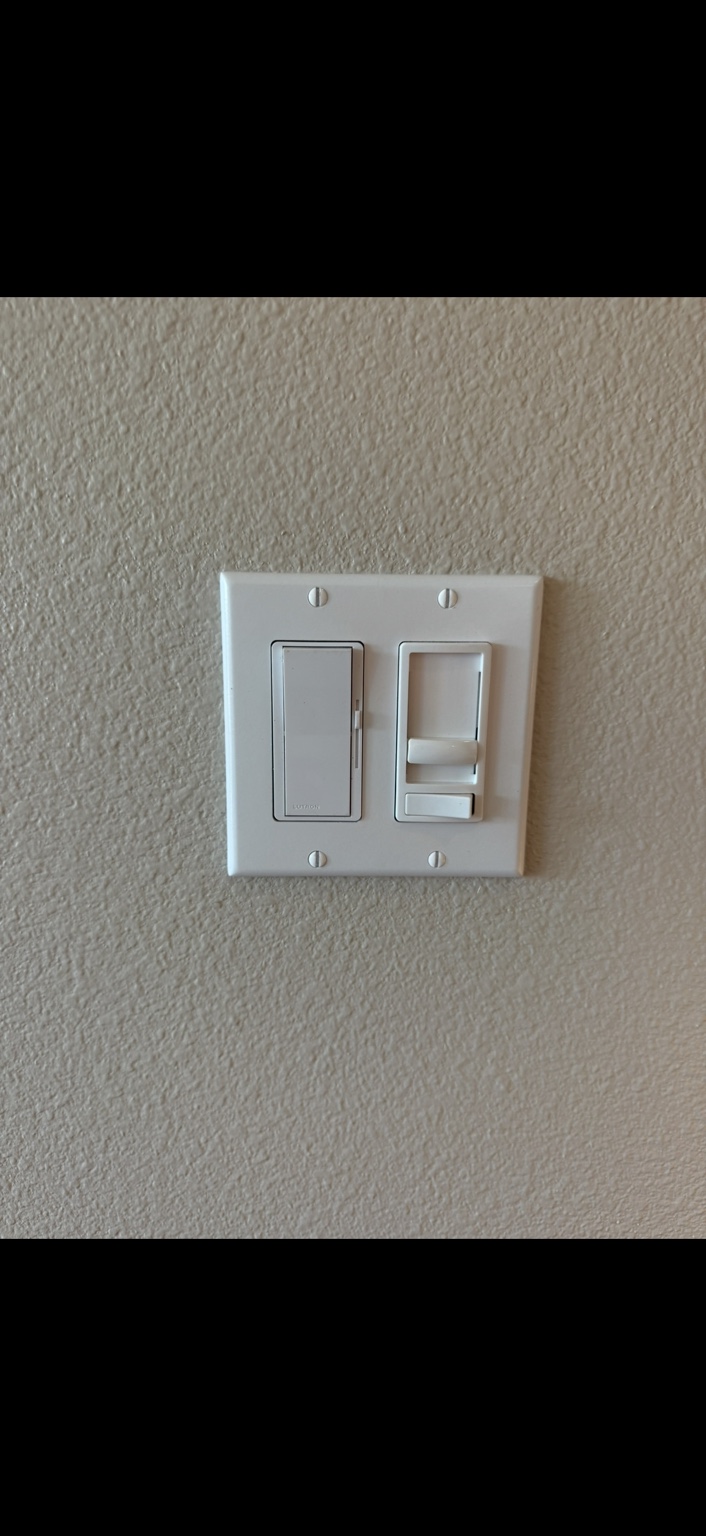
Choose a routine worth simplifying
Useful home automation starts with an everyday inconvenience. Consider an entry light that needs a predictable evening schedule, several living-room lights you adjust together, or a utility-room light that is often left on. Choose one routine first and write down the desired result. A small, understandable setup is easier to evaluate than a collection of devices bought before anyone decides how the household will use them.
Use schedules and scenes deliberately
A schedule runs at a chosen time; a scene applies a group of settings when activated. For example, an evening scene could set selected living-area lights to comfortable levels, while a separate schedule handles an exterior light. Leviton's scheduling documentation includes time, sunrise, sunset, and day-of-week choices on supported devices. Decide which lights should remain independent and provide a straightforward way for a guest to change the result at the wall.
Match sensors to the room
Occupancy controls can turn lighting on when movement is detected and off after a delay. Vacancy controls require someone to turn the light on, then switch it off automatically after vacancy. That distinction matters in a bedroom, passage, or storage area. Discuss sensor placement, normal movement, daylight, pets, and the preferred delay. Test the actual room before repeating the setup elsewhere; reducing unnecessary operation does not establish a guaranteed energy saving.
Plan for ordinary outages and shared access
Ask what works if the internet, router, or power fails. Behavior varies by product. Leviton says its Decora Smart Wi-Fi devices retain programmed schedules during an internet interruption while power remains, and manual control remains available when app communication is disconnected. Do not assume every brand or integration behaves identically. Keep household ownership of the account clear, limit guest access appropriately, and record who can maintain the settings after installation.
Prove one room before expanding
Have an electrician check the proposed control against the existing wiring, lighting load, and required companion devices. Confirm network or hub requirements before ordering. After installation, check ordinary wall operation, the scheduled behavior, the lowest useful light level, and access from the intended household accounts. Keep a brief list of device models and routines. Expand when the first room is easy to use, with clear instructions for changing a schedule or returning to manual operation.